
The Power of Comprehensive Lesson Planning
Creating a complete lesson package involves more than just a lesson plan. It requires exercises, quizzes, rubrics, exit tickets, differentiation strategies, homework, and discussion questions. MyLesson.AI's Lesson Wizard streamlines this entire process, guiding you through creating a comprehensive lesson package step by step.
What is the Lesson Wizard?
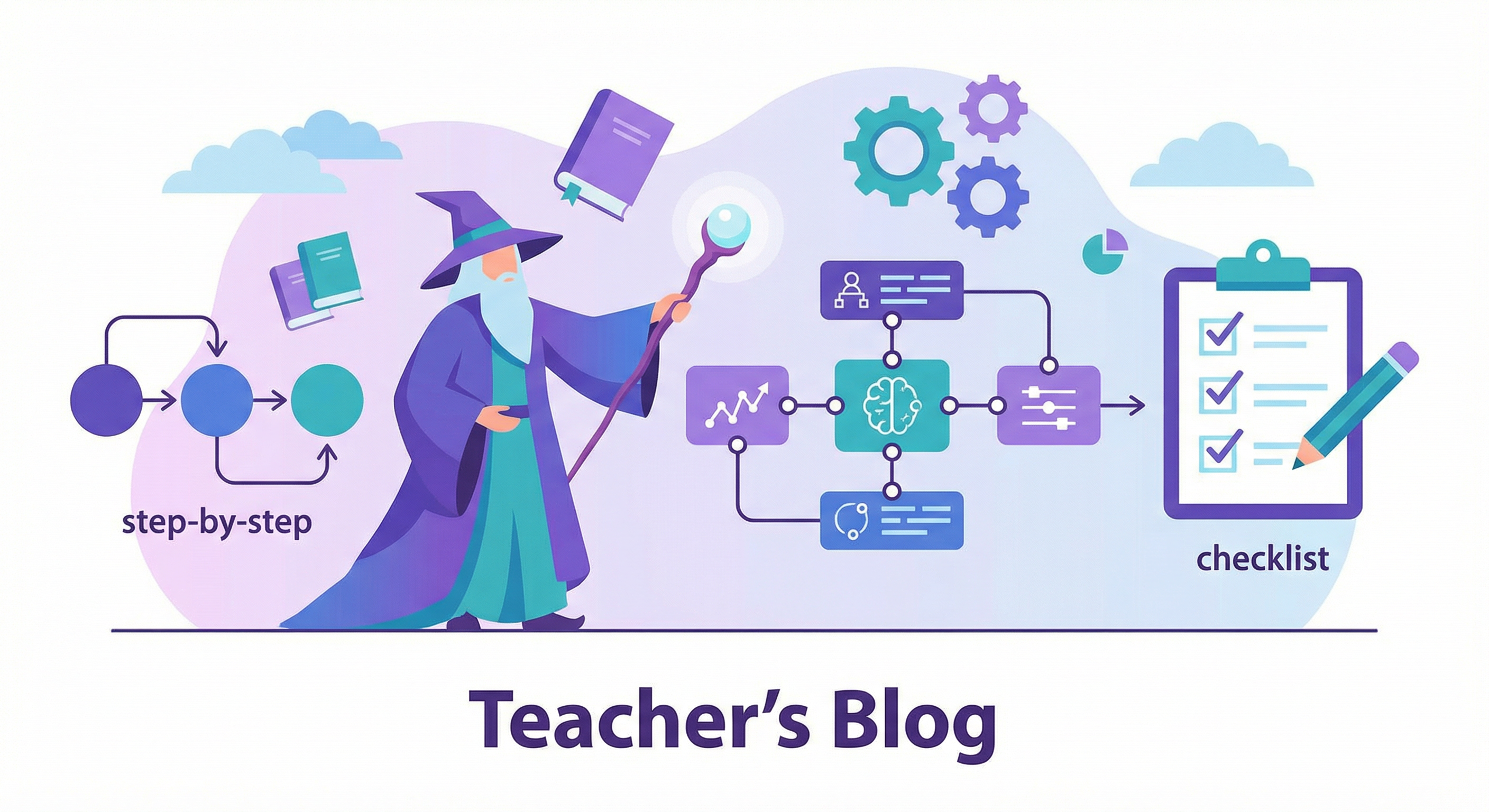
The Lesson Wizard is an intuitive, step-by-step process that helps you create complete lesson packages. After generating your initial lesson plan, the wizard guides you through generating all supporting materials:
- Lesson Plan: Your foundation with objectives, stages, and resources
- Exercises: Practice activities aligned with each lesson stage
- Quizzes: Assessment questions at multiple mastery levels
- Rubrics: Clear criteria for evaluating student work
- Exit Tickets: Quick formative assessments
- Differentiation Strategies: Approaches for diverse learners
- Homework: Reinforcing assignments
- Discussion Questions: Thought-provoking prompts for engagement
How the Wizard Works
The wizard features a visual progress bar showing your completion percentage. Each step includes:
- Progress Tracking: See how much of your lesson package is complete
- Skip Options: Skip any step that isn't needed for your lesson
- Loading Indicators: Visual feedback during content generation
- Success Messages: Confirmation when each component is generated
Benefits of Using the Wizard
The wizard approach offers several advantages:
- Comprehensive Coverage: Ensures you don't miss important components
- Time Savings: Generate all materials in one streamlined process
- Consistency: All components align with your lesson objectives
- Flexibility: Skip steps you don't need
- Organization: Everything is saved together in one lesson package
Navigating the Wizard
After generating your lesson plan, you'll see:
- Lesson Plan Review: Review your generated lesson plan
- Exercises Step: Generate exercises for each lesson stage
- Quiz Step: Create assessment questions
- Rubric Step: Generate grading criteria
- Exit Ticket Step: Create quick assessments
- Differentiation Step: Generate strategies for diverse learners
- Homework Step: Create reinforcing assignments
- Discussion Step: Generate engaging questions
Completion and Export
Once you complete the wizard, you can:
- Review all generated content in a tabbed interface
- Export everything together as a complete package
- Access individual components anytime
- Use the package as a template for future lessons
Tips for Success
- Review each generated component before moving to the next step
- Use skip options for components you'll create manually
- Take advantage of the progress tracking to stay organized
- Export your complete package for easy sharing and archiving
Conclusion
The Lesson Wizard transforms lesson planning from a time-consuming task into an efficient, comprehensive process. With MyLesson.AI, you can create complete lesson packages in minutes, ensuring all your teaching materials are aligned, organized, and ready to use.